

Download App






 Aug 10, 2026





The speed of the internet can only be as good as the Wi-Fi coverage within your house. Most of the households have weak signals in some rooms, low speed on the stairs, or even unreliable connections in corners that are distant to the router. These zones are often referred to as Wi-Fi dead zones and they can disrupt work, online classes, gaming, and streaming. Luckily, the majority of coverage issues can be addressed through proper planning, and not merely by upgrading your internet plan.
You may be living in a small apartment or a multi-story house, but knowing how to position your router and the latest networking solutions can make you experience a good wireless connection all over your home.
The first step to fix wifi dead zones is identifying what causes them. Wireless signals can be weakened by thick concrete walls, metal objects, mirrors, large furniture, and even household appliances before they reach all the rooms.
Signal strength can also be compromised by interference of other Wi-Fi networks and old networking devices. Knowing these barriers, it is easier to select the appropriate solution rather than trial and error.
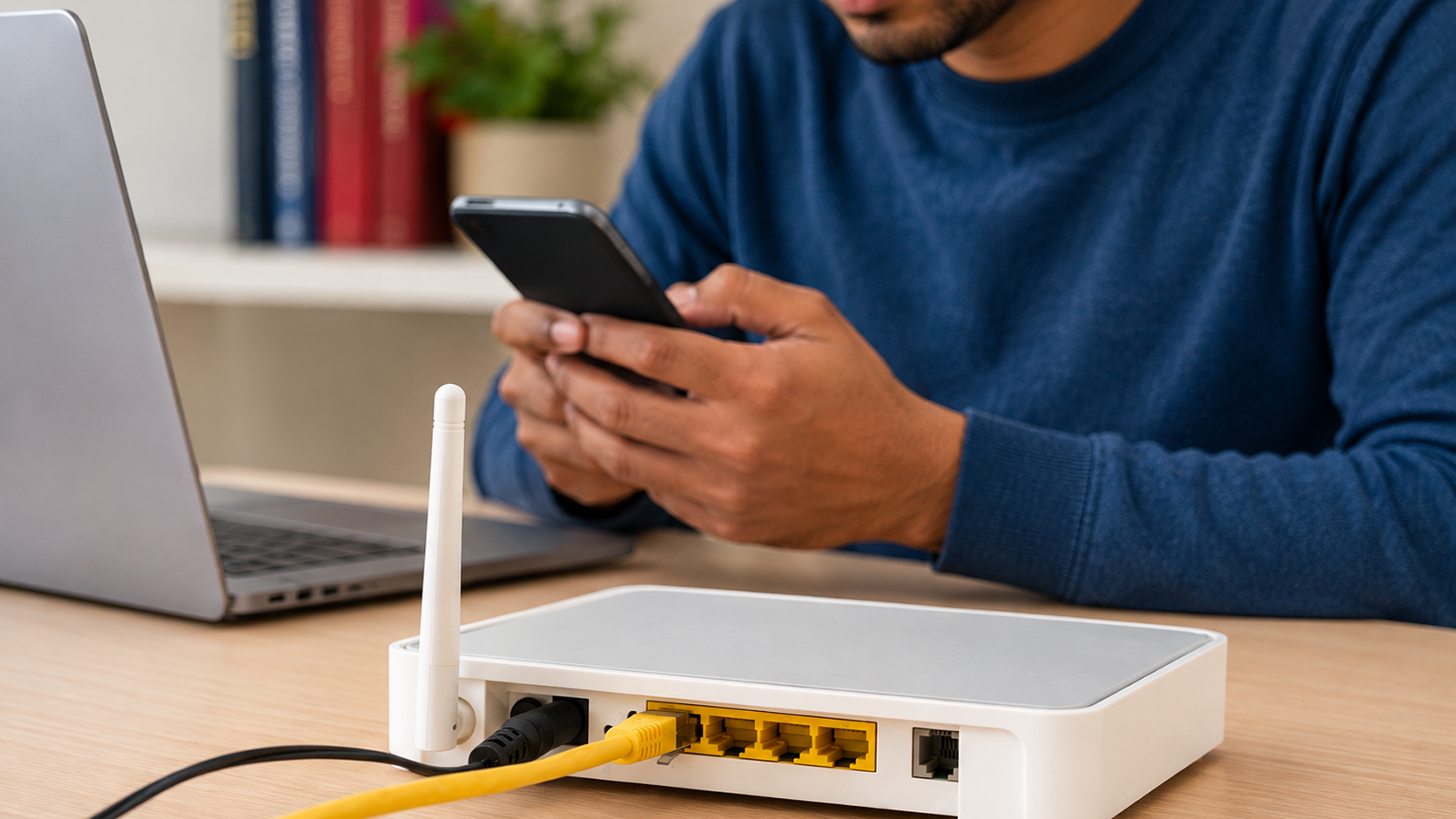
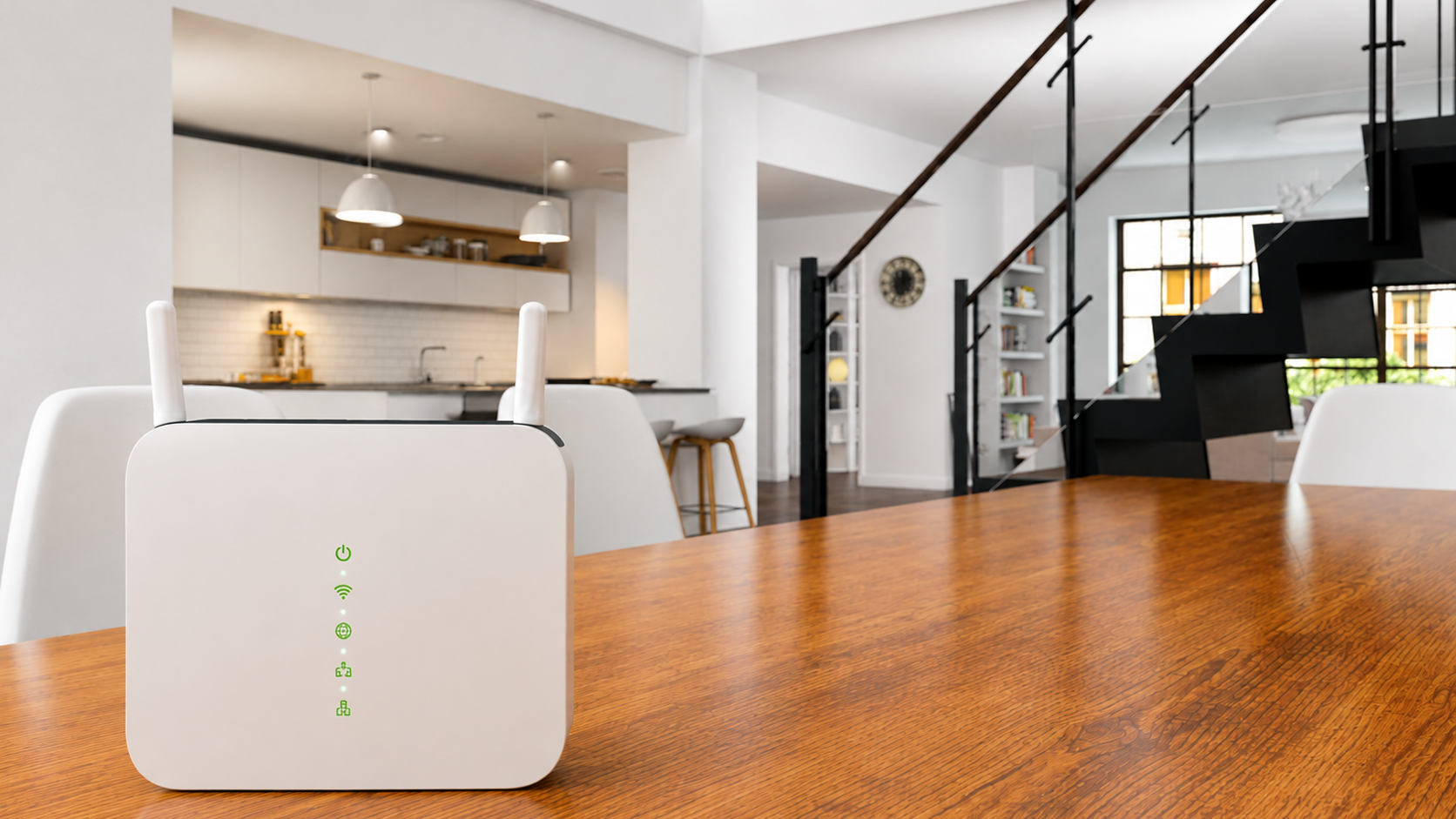
The best router placement is usually a central, elevated location that allows signals to spread evenly throughout the home. Do not put the router in cabinets, behind televisions or in the vicinity of large metal objects that can obstruct wireless coverage.
Store the router in a place that is not in contact with microwaves, cordless phones, and other electronic appliances that can cause interference with the signal. A simple change of the location of the router by a few feet can greatly enhance the performance of Wi-Fi in several rooms.
Most of the current routers have adjustable antennas that affect the coverage of the signal. Placing one antenna in a vertical position and the other in a horizontal position may assist in spreading the signals to various floors and directions.
The Wi-Fi signal can be experimented with antenna angles to reach more parts of your home. Minor changes can enhance performance without the need to add extra hardware.
Big houses usually have a problem with the conventional single-router systems since the signal becomes weak when traveling long distances. In these situations, mesh wifi for large homes provides a more effective solution.
Mesh systems incorporate several wireless nodes, which collaborate to form a single network. Rather than manually switching between networks, devices will automatically connect to the best node that is available as you move around the house.
Most domestic appliances use similar frequencies with Wi-Fi networks. Your wireless connection may be interfered with by baby monitors, Bluetooth devices, cordless phones, and neighboring routers.
To reduce congestion, you can change the wireless channel of your router or alternate between the 2.4 GHz and 5 GHz frequency bands. Updating the firmware of your router is also a way of enhancing performance and security.
A free Wi-Fi network enables unauthorized users to use bandwidth, slowing down the speed of all people in the house. Good passwords and up to date encryption algorithms can secure your connection.
WPA3 or WPA2 encryption, altering the default administrator credentials, and disabling unwanted remote access capabilities will help make the home network safer.
Many users try to boost wifi signal by purchasing range extenders without first evaluating their existing equipment. In some instances, upgrading an old router with a new one is more beneficial than installing more devices.
The new Wi-Fi 6 and Wi-Fi 6E routers are faster, have higher capacity, and are more powerful in performance when multiple devices are connected at the same time.
A proper Mach1 broadband router setup ensures your network operates efficiently from the beginning. Correct positioning, firmware updates, secure settings, optimal frequency selection, and appropriate channel configuration are all factors that enhance better wireless performance.
Periodic review of router settings also aids in ensuring consistent speeds as new devices are introduced to your network. Coverage can be greatly enhanced with small configuration changes without extra investment.
Once you have improved, go around your house with a Wi-Fi analyzer or speed-testing app. The experiment of testing various rooms assists in determining the remaining weak areas and whether the adjustments have enhanced the signal strength.
In case some regions still have poor coverage even with the correct placement of routers, a mesh node or repositioning of existing equipment can yield better results.
A fast internet connection is not the only thing that makes Wi-Fi reliable. The placement of routers, interference reduction, network security and the selection of equipment are all significant factors in achieving robust and reliable wireless coverage. For larger homes, investing in Mach1 Wi-Fi for large homes can eliminate weak signal areas while providing seamless connectivity throughout the property.